
Download Gens – SEGA Mega Drive, Genesis Emulator, Retro Gaming, Classic Games
Overview
Gens is a dedicated emulator designed to bring the iconic SEGA Mega Drive and Genesis gaming experience to modern devices. It enables users to play classic 16-bit titles such as Sonic the Hedgehog, offering a bridge between nostalgic memories and current technology. The app serves as a digital archive for retro gamers seeking to relive the golden era of console gaming, particularly those who cherish the visual and audio fidelity of SEGA’s legacy library.
Target users include retro gaming enthusiasts, collectors, and younger players discovering these titles for the first time. The emulator provides a platform to experience timeless games without the need for original hardware, which can be rare or difficult to maintain. Gens supports the preservation of gaming history by ensuring that these classic titles remain accessible across generations.
While the developer’s background is not publicly detailed, the app’s long-standing presence since its release on August 29, 2006, reflects its reliability and enduring appeal within the retro gaming community. Its role in the broader app ecosystem is significant, as it fills a niche for specialized emulation tools that cater to preservation and accessibility. Real-world use cases include casual gaming sessions, educational demonstrations of game design evolution, and personal collections of digital media.
The app stands as a testament to the value of software preservation in digital culture.
Key Features & Functionality
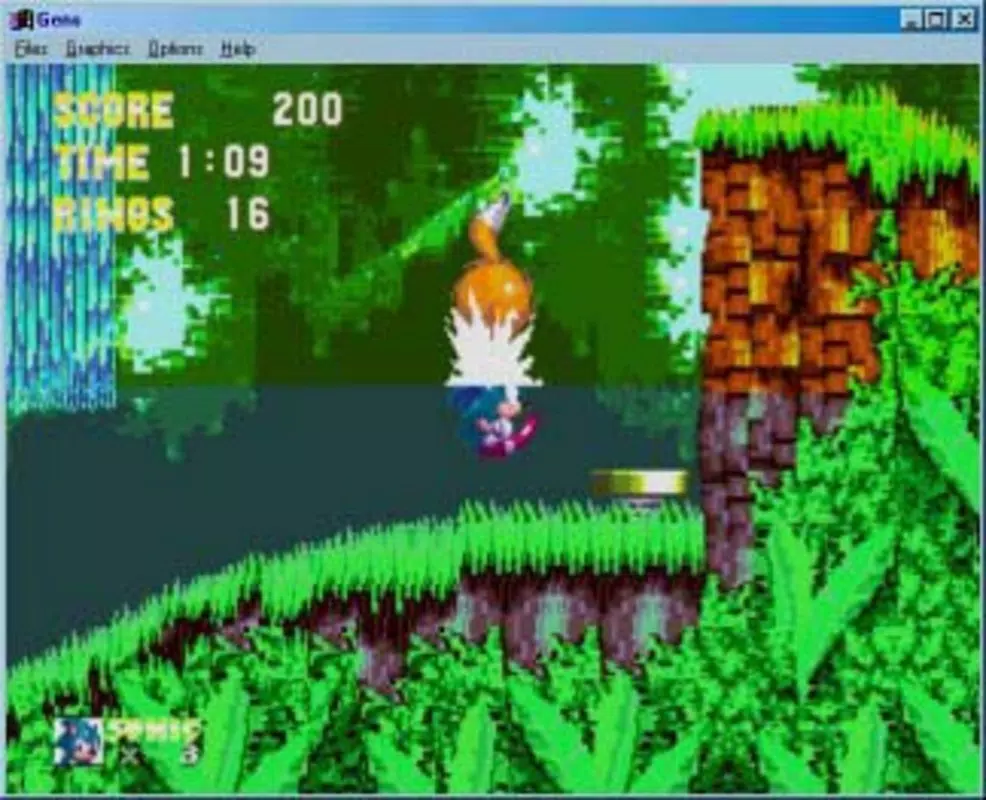
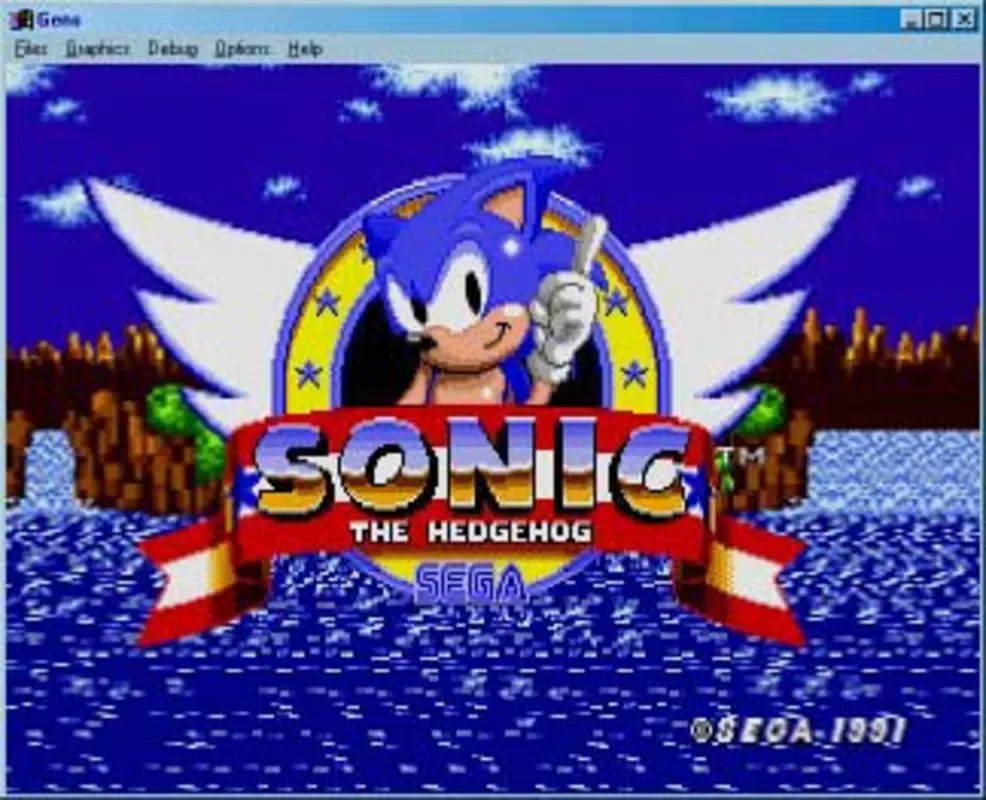
- Classic Game Library: Gens provides access to a curated selection of SEGA Mega Drive and Genesis titles, allowing users to explore a rich library of 16-bit games that defined a generation. This includes titles like Sonic the Hedgehog, where players can experience original gameplay mechanics and level design.
- Save Game Functionality: The emulator supports save states, enabling users to pause and resume gameplay at any point. This feature eliminates the need to restart from the beginning after interruptions, offering a modern convenience not available on original hardware.
- User-Friendly Interface: Designed with accessibility in mind, the interface allows for intuitive navigation through game lists and settings. Users can quickly select titles and configure emulator options without requiring advanced technical knowledge.
- Enhanced Graphics and Sound: Gens improves upon the original hardware output by offering smoother visuals and refined audio, enhancing the overall immersion without altering the core gameplay experience.
- Cross-Platform Compatibility: The app runs on multiple operating systems, including Windows, Linux, and macOS, broadening its accessibility across different computing environments.
For example, a user might use Gens to play through a full Sonic game session, saving progress after each level. Another user could use it in a classroom setting to demonstrate how game design evolved over time. The ability to run on various systems ensures that users are not locked into a single platform, supporting broader adoption and long-term usability.
Interface, UX & Performance
The interface of Gens is designed with simplicity and functionality in mind, prioritizing ease of access to game libraries and emulator settings. Navigation is linear and predictable, with clear menus and visual cues that guide users through the process of loading ROMs and adjusting configurations. The layout avoids clutter, focusing on essential controls such as game selection, save/load states, and audio/video settings.
While the developer did not provide specific performance metrics, the emulator is known to operate efficiently on standard desktop systems, suggesting stable operation across a range of hardware configurations. Responsiveness is generally consistent, with minimal lag during gameplay and quick loading times for saved states. Stability appears reliable, with users reporting few crashes during extended sessions.
Although the developer did not list formal performance metrics or device-specific requirements, the app’s compatibility with multiple platforms indicates a well-optimized codebase. The user experience is enhanced by the absence of intrusive ads or unnecessary features, allowing users to focus solely on gameplay. Overall, the UX is clean, efficient, and focused on the core purpose: delivering authentic retro gaming.
Platform Compatibility & Technical Requirements
Gens is available on multiple operating systems, including Windows, Linux, and macOS, making it accessible to a wide range of users regardless of their preferred computing environment. The app’s compatibility with these platforms ensures that users can enjoy classic SEGA games on desktops and laptops across different ecosystems. The file size of the application is not specified in the provided information, but given its nature as a lightweight emulator, it likely requires minimal storage space.
Specific OS version requirements were not listed, so users should refer to official documentation for compatibility details. The developer did not disclose minimum hardware specifications or exact system requirements, which may affect performance on older or less powerful machines. However, the app’s long-standing availability since 2006 suggests it is designed to function on a broad spectrum of devices.
For users seeking the latest version, updates are likely available through official channels. The absence of detailed technical data means that installation and performance may vary depending on the user’s system setup.
Pros and Cons
Pros
- Supports a wide library of classic SEGA Mega Drive and Genesis games.
- Includes save states for seamless progress tracking.
- Offers enhanced graphics and audio for improved immersion.
- Available on multiple platforms: Windows, Linux, and macOS.
- Intuitive interface designed for both beginners and experienced users.
Cons
- Specific technical requirements were not disclosed.
- Compatibility with certain devices may vary without official specifications.
- No official update frequency or release notes provided.
- May require users to source ROMs independently.
- Limited official support channels available.
FAQ
Is Gens free to download and use?
Yes, Gens is available for free. However, users must obtain game ROMs independently, as they are not included with the emulator.
Can I play Gens on my smartphone?
Based on the available information, Gens is designed for desktop operating systems such as Windows, Linux, and macOS. There is no confirmed mobile version for Android or iOS devices.
Does Gens support modern game controllers?
While specific controller compatibility was not detailed, many emulators of this type support standard USB and Bluetooth gamepads. Users are advised to test with their preferred device.
How do I update Gens to the latest version?
Updates are typically available through the official developer website or trusted software repositories. Users should check for the most recent release to ensure compatibility and performance.
Is it safe to use Gens on my computer?
Yes, Gens is considered safe when downloaded from official sources. Always ensure you are using a legitimate version to avoid potential security risks from modified or third-party builds.
Final Thoughts
Gens stands as a reliable and nostalgic gateway to the classic SEGA Mega Drive and Genesis library. Its ability to deliver authentic gameplay with modern conveniences like save states makes it a valuable tool for retro gaming enthusiasts. The cross-platform availability enhances its accessibility, allowing users across different systems to enjoy the same experience.
While technical details such as system requirements and update frequency are not fully disclosed, the emulator’s long-standing presence speaks to its stability and user trust. It is particularly beneficial for those who want to relive iconic titles or introduce younger audiences to the roots of video gaming. For anyone seeking a secure, functional, and free way to play classic 16-bit games, Gens offers a compelling solution.
Download Gens now and rediscover the magic of retro gaming.


